
Northgard
€5.66
We use cookies to run this site and understand how it’s used. See our Cookie Policy.
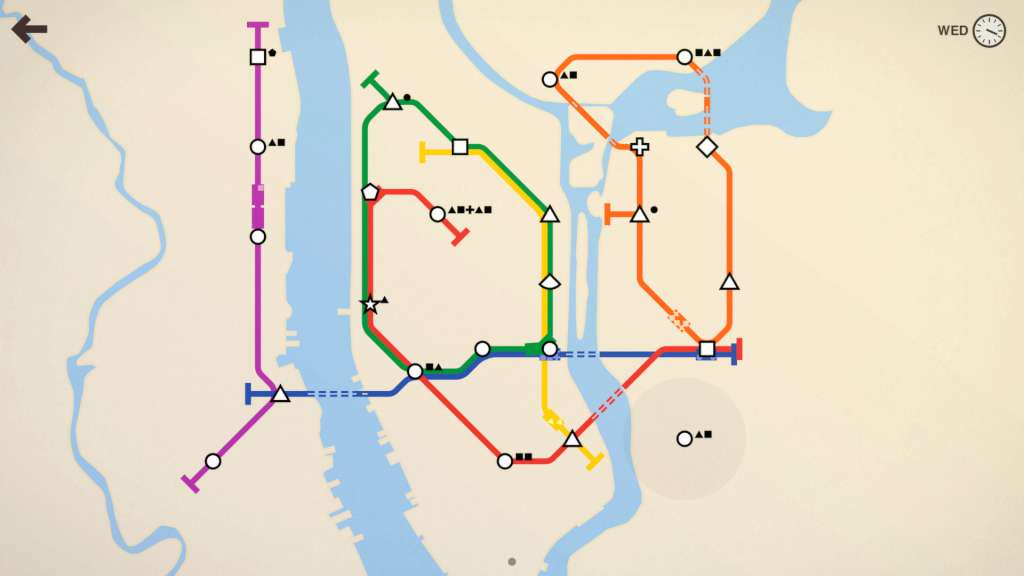

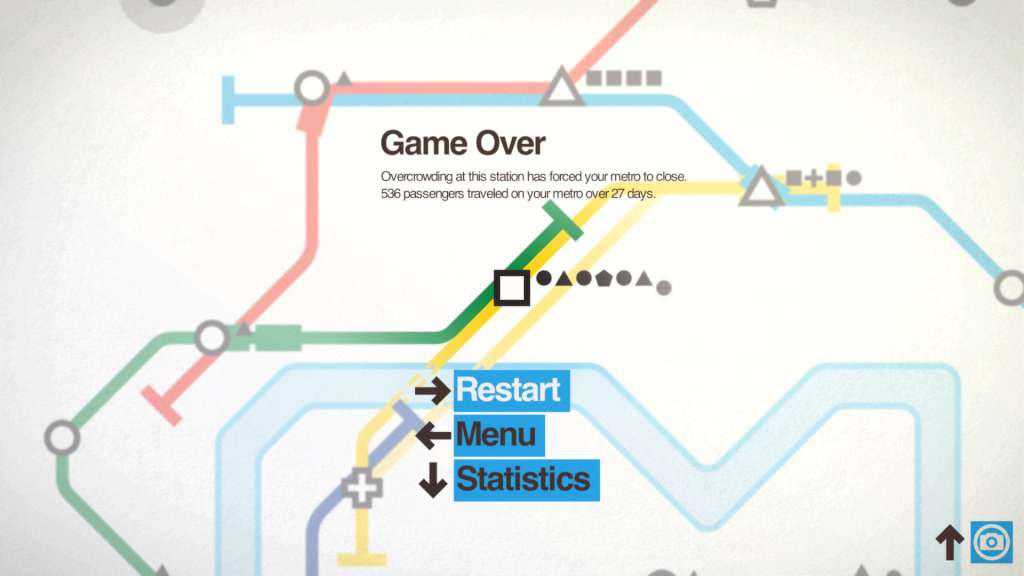
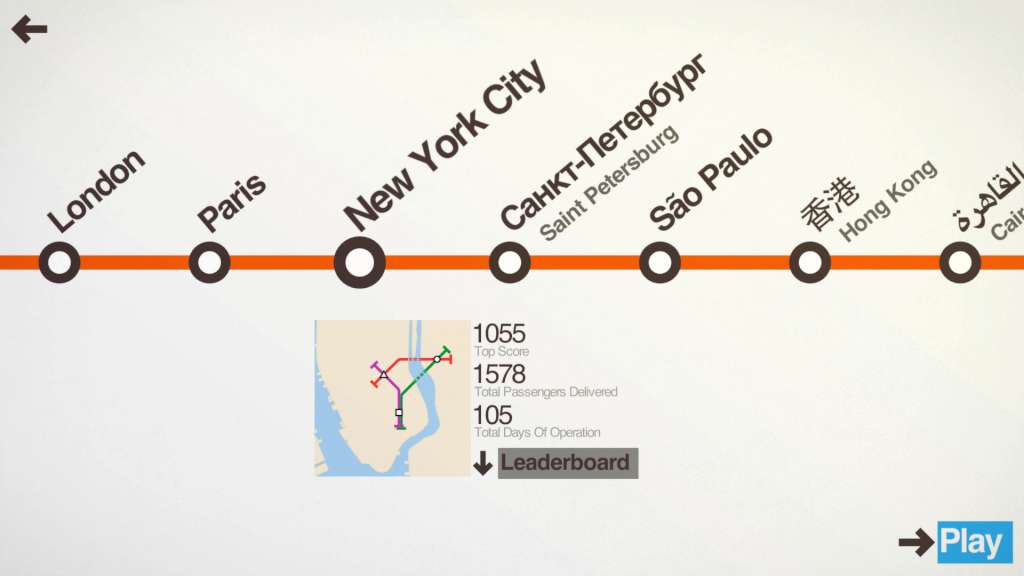
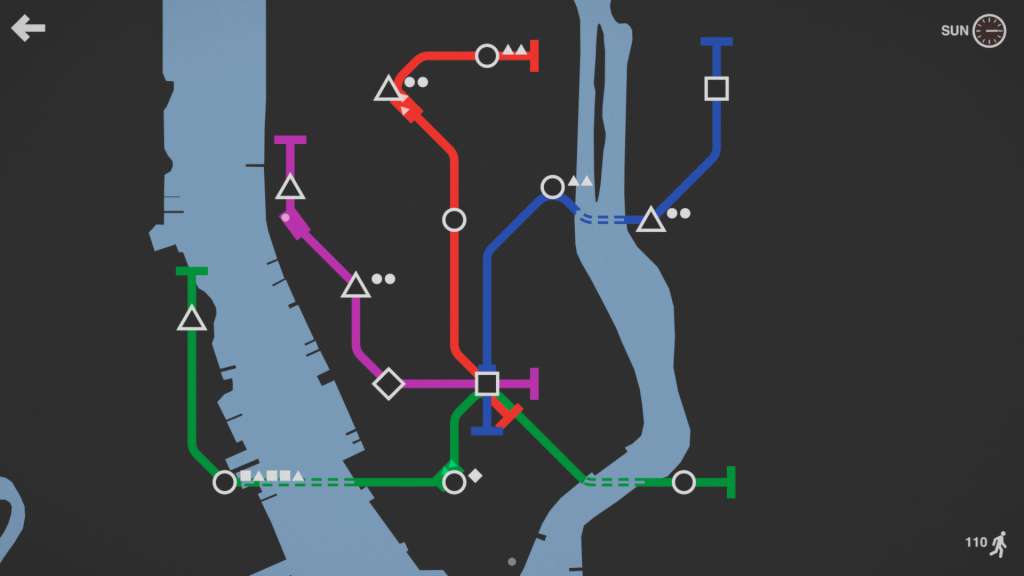
In Mini Metro, you take on the task of designing the subway layout for a rapidly expanding city. Your city starts with three stations. Draw routes between these stations to connect them with subway lines. Commuters travel along your lines to get around the city as fast as they can. Each station can only hold a handful of waiting commuters so your subway network will need to be well-designed to avoid delays.The city is growing. More stations are opening, and commuters are appearing faster. The demands on your network are ever-increasing. You'll be constantly redesigning your lines to maximise efficiency. The new assets you earn every week will help immensely — as long as they're used wisely. Eventually your network will fail. Stations will open too quickly. Commuters will crowd the platforms. How long the city keeps moving is up to you.
OS: Windows XP, Vista, 7, 8 or later Processor: 2 GHz or faster processor Memory: 512 MB RAM Graphics: Shader Model 2.0 DirectX: Version 9.0c Hard Drive: 150 MB available space
OS: OS X 10.6 Snow Leopard or later Processor: 2 GHz or faster processor Memory: 512 MB RAM Graphics: Shader Model 2.0 Hard Drive: 150 MB available space
OS: Ubuntu 12.04 LTS or later Processor: 2 GHz or faster processor Memory: 512 MB RAM Graphics: Shader Model 2.0 Hard Drive: 150 MB available space
Please create an account or login on https://www.gog.com Go to https://www.gog.com/redeem Enter the code and then press "CONTINUE" After a short amount of time you will see the details about the product, please press "CONTINUE" again. Download and install the GOG.com downloader Login to the software and get back to the product page Go to https://www.gog.com/account and look for the "Games" tab. Press the box of the product you want to download. Activate the GOG.com Download Mode on the right side of product menu. Choose the installation package from the list and save it with the GOG Downloader.
Fantastic experience from start to finish. The key was valid immediately and the game is full of clever design choices. Every session brings new challenges that keep me coming back. Excellent value.
Activation succeeded but the game had performance hiccups on my system. Not as smooth as expected. Might need updates to fix the lag issues I encountered.
The key redeemed fine and the game runs smoothly. Graphics are simple but charming. Some levels felt repetitive after a while. Still enjoyable for short sessions.
Delivery was instant and the key activated without problems. The gameplay offers nice variety in levels. A few minor bugs appeared but nothing that ruined the experience. Overall a solid purchase.
This digital key worked perfectly right away. The game is relaxing and strategic at the same time. I have been playing for hours without any issues. The interface is clean and the mechanics are addictive. Highly recommended for anyone who enjoys puzzle games.