
Sunless Skies
€25.74
We use cookies to run this site and understand how it’s used. See our Cookie Policy.
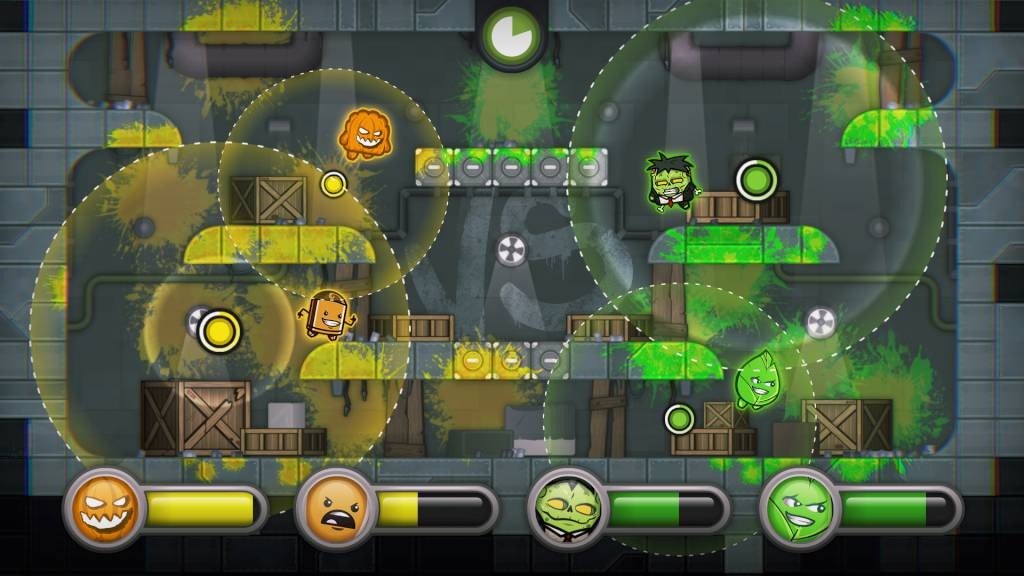

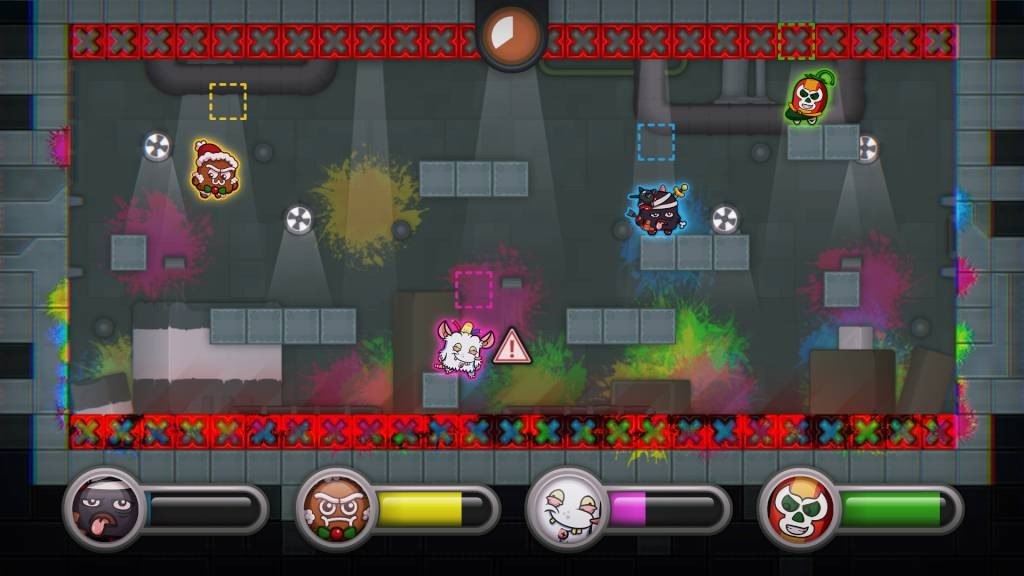
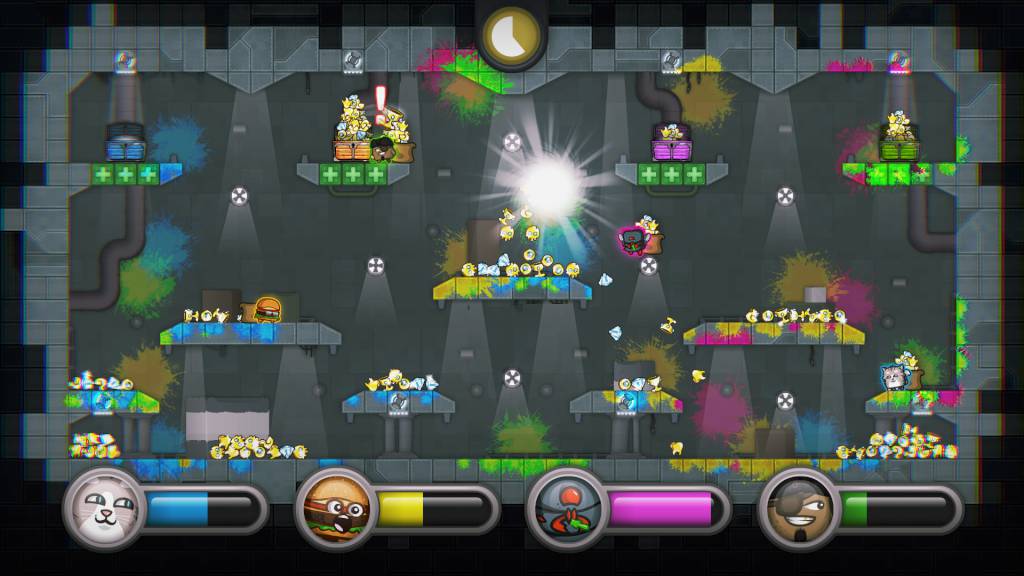
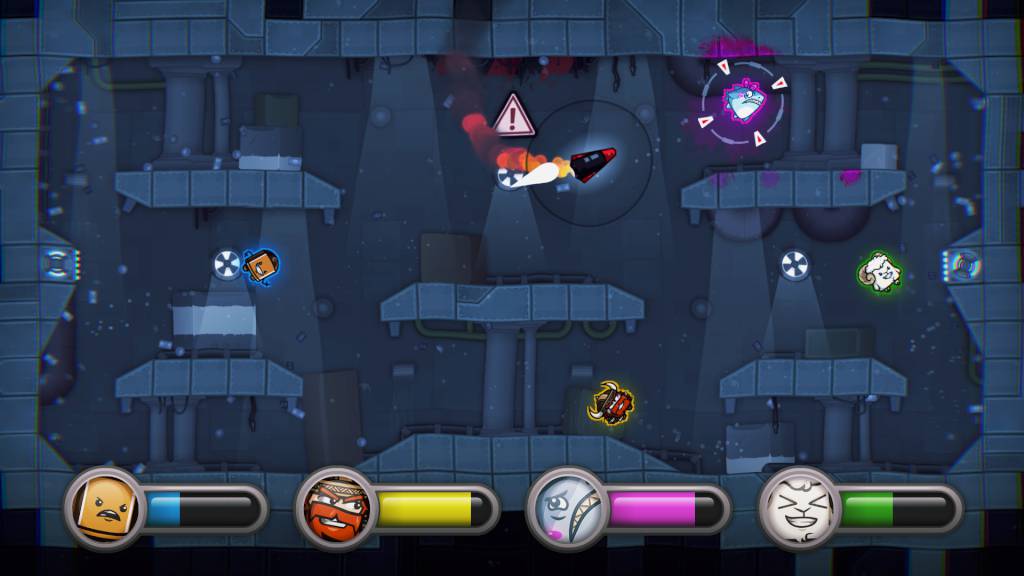
20 seconds, constantly changing mechanics and a lot of yelling. These are the keywords that perfectly describe a round of Move or Die, the 4-player friendship ruining party game where rules change every single round.Slap your friends’ controllers out of their hands while playing on the same couch, challenge players online from around the world or pretend to practice offline with AI bots. Select what game modes you want to play from an ever-growing list of developer and community-generated modes, each with their own outrageous mechanics and level design crafted to promote hours of good old friendship-ruining fun.Play online to gain XP and level up, unlocking awesome characters and game modes in the process, or try to work your way up the daily challenge leader boards where players go against AI bots in survival-like matches.As its name suggests, Move or Die forces players to take action. In fact, not moving literally makes your character explode. And, with just 20 seconds per round, Move or Die is a quick game to pick up, but a hard one to put down.
OS: 7, 8 or 10 Processor: If it's a laptop with no dedicated GPU, CPU should be less than 3 years old. Memory: 4 GB RAM Graphics: Dedicated GPU recommended Network: Broadband Internet connection Storage: 400 MB available space Additional Notes: Potential FPS drops on AMD
OS: OS X 10.6+ Processor: If it's a laptop with no dedicated GPU, CPU should be less than 3 years old. Memory: 4 GB RAM Graphics: Dedicated GPU recommended Network: Broadband Internet connection Storage: 400 MB available space
OS: Ubuntu 12.04 - 13.10 Processor: If it's a laptop with no dedicated GPU, CPU should be less than 3 years old. Memory: 4 GB RAM Graphics: Dedicated GPU recommended Network: Broadband Internet connection Storage: 400 MB available space
In order to receive and activate the game: You will receive a gift link to a website. Open that link in your web browser. Depending on the prompt please provide your Steam profile link or login via Steam If needed choose the same country as your store country found in Steam account details. You can check this setting here. Automated bot system will add your Steam account to friendlist. After you accept the friend request from bot, it will send you your purchased game as a gift.
Solid party game that works well for groups. Graphics are vibrant and controls responsive. A few modes feel repetitive after many plays but overall a great addition to game nights.
This game is incredibly fun with friends and keeps everyone on their toes. The fast pace makes every round exciting. Mechanics are simple to learn but hard to master, leading to lots of laughs and memorable moments.