
Sunless Skies
€25.75
We use cookies to run this site and understand how it’s used. See our Cookie Policy.
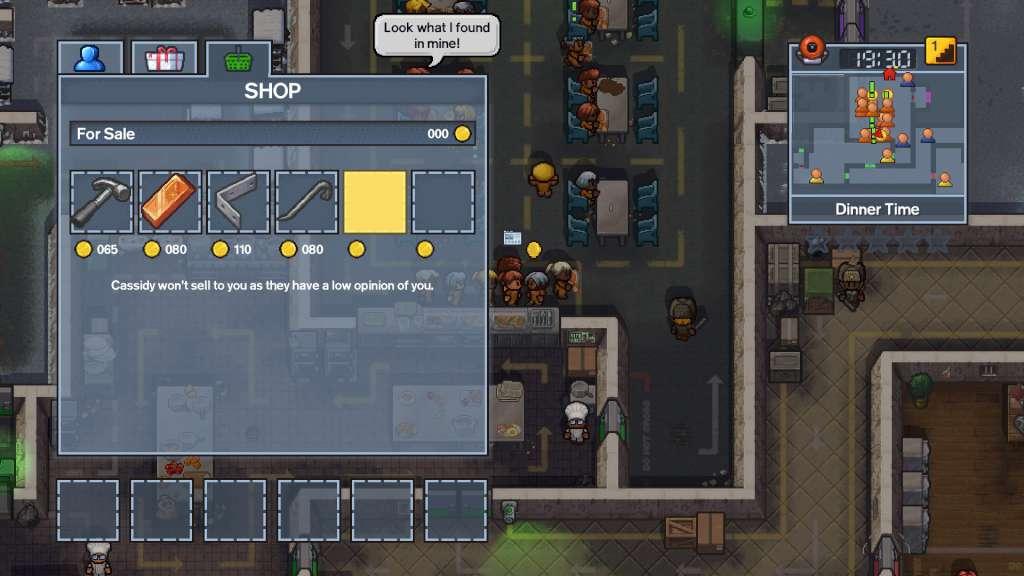
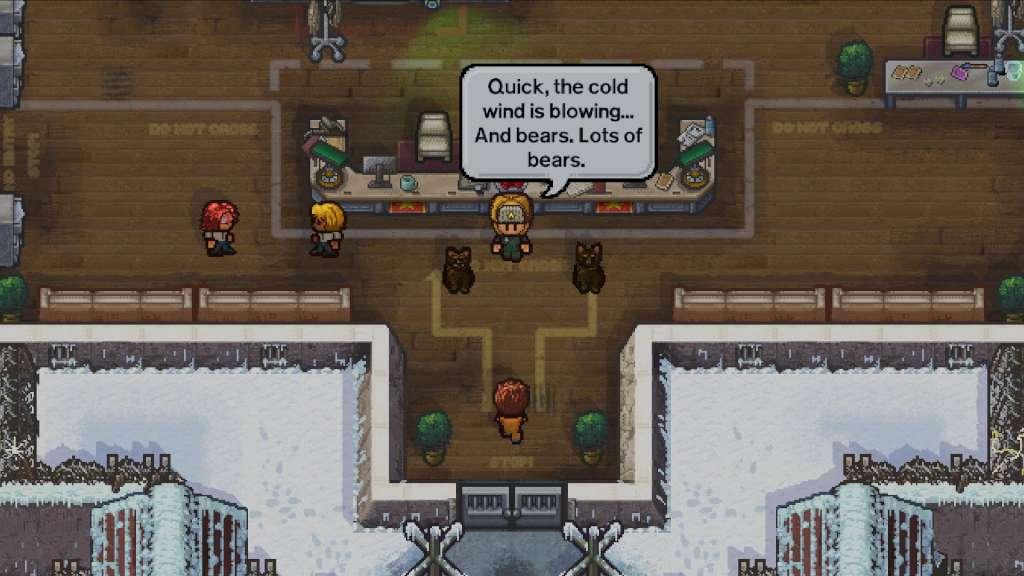
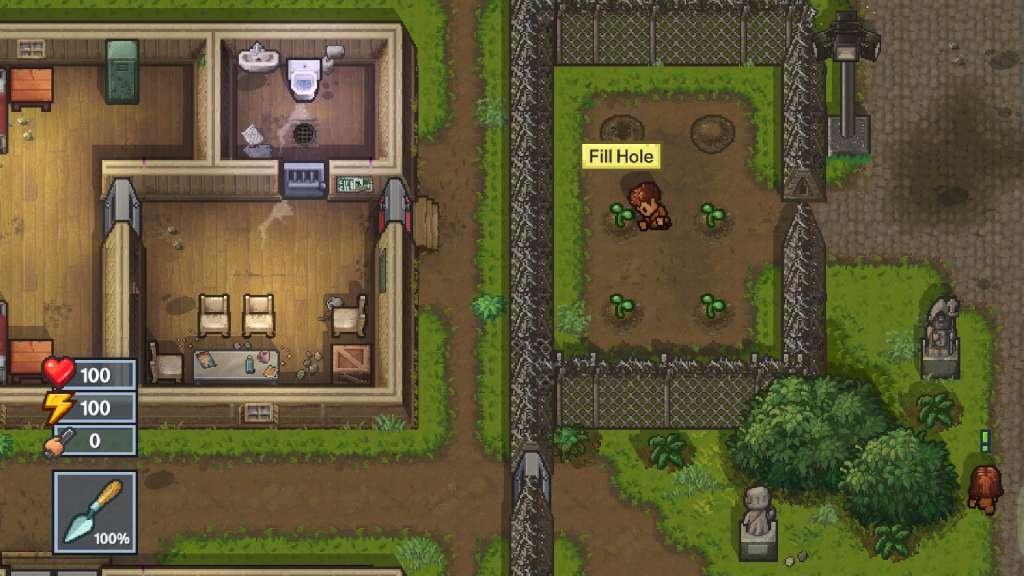
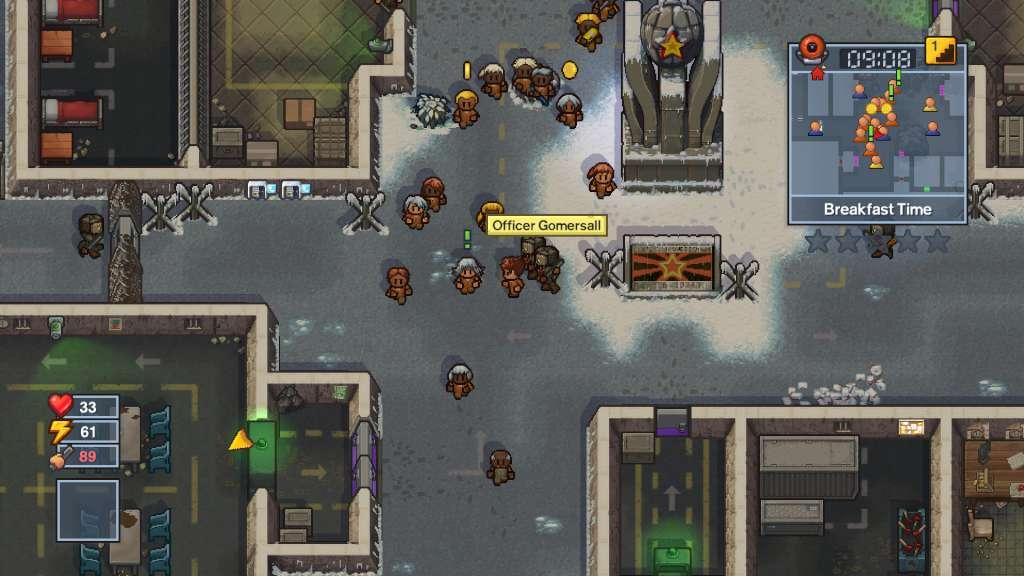
STOP! Yes, you there! You are under arrest on suspicion of escaping from prison! You have the right to remain silent and absolutely no right to go and enjoy The Escapists 2: Game of the Year Edition! Including all 11 prisons from the base game and all Escapists 2 DLC and impenetrable penitentiaries such as Wicked Ward and the Glorious Regime! Key Features: - Addictive prison simulation game, bursting with humour, sandbox gameplay and…duct tape? - All of The Escapists 2 base game and DLC prisons under one roof! - Buy, barter and beat your way to getting the items you need to aid your great escapes, with crafting, combat and any criminal activity that you think you can get away with! - Conspire with your favourite convicts with up to 4 player co-operative and versus multiplayer! - With the convict customisation system there’s no excuse to be a fashion criminal!
OS: Windows 7/8.1/10 (32-bit versions) Processor: Intel Dual Core 6600 @ 2.4GHz Memory: 2 GB RAM Graphics: Intel 4400, GeForce GTX 280, AMD Radeon HD 7750 DirectX: Version 11 Storage: 2 GB available space Sound Card: Windows Compatible Sound card
OS: OSX 10.10 Yosemite Processor: Intel Core i5 @2.7Ghz Memory: 2 GB RAM Graphics: Nvidia GT 640M, AMD Radeon HD 5750, Intel HD Graphics 6100 Storage: 4 GB available space
OS: Ubuntu 14.04, Mint 18.2 Processor: Intel Core i5 @3.3Ghz Memory: 4 GB RAM Graphics: Nvidia GTS 8800, AMD Radeon HD 4650, Intel HD Graphics 6100 Storage: 4 GB available space
Go to: http://store.steampowered.com/ and download STEAM client Click "Install Steam" (from the upper right corner) Install and start application, login with your Account name and Password (create one if you don't have). Please follow these instructions to activate a new retail purchase on Steam: Launch Steam and log into your Steam account. Click the Games Menu. Choose Activate a Product on Steam... Follow the onscreen instructions to complete the process. After successful code verification go to the "MY GAMES" tab and start downloading.
It has potential but the interface can be clunky at times. Progression feels slow and some features are underutilized. Not bad for a casual play but it didn't hold my attention long.
Absolutely addictive once you get into the rhythm of planning escapes. The community aspects and mods extend the fun significantly. Every new prison feels fresh and full of possibilities.
The core loop is interesting but it lacks some polish in later stages. Graphics are basic yet functional for the style. I found myself getting stuck on certain tasks without clear guidance.
Solid gameplay with good progression and interesting characters. Controls feel responsive and the humor adds a nice touch. Some levels can feel repetitive after a while but overall it's enjoyable.
This game offers endless hours of strategic planning and creative escapes. The mechanics are deep and rewarding for anyone who enjoys puzzle solving. I especially liked the variety of prisons and the way each one presents unique challenges.