
Sunless Skies
€25.89
We use cookies to run this site and understand how it’s used. See our Cookie Policy.
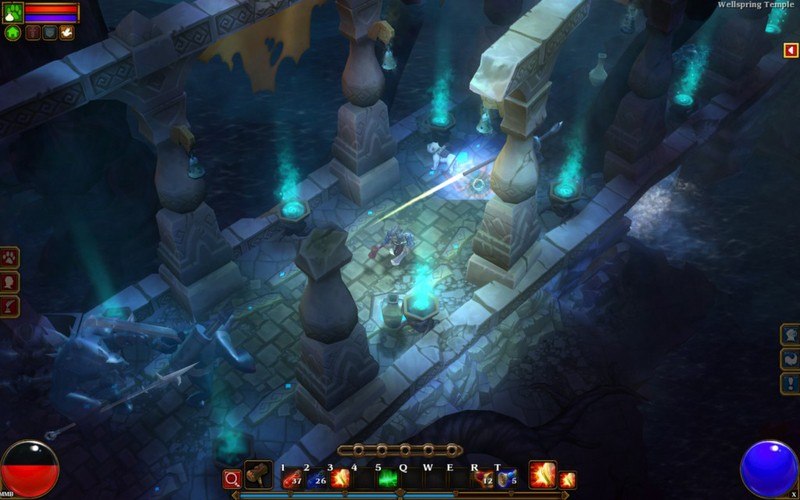

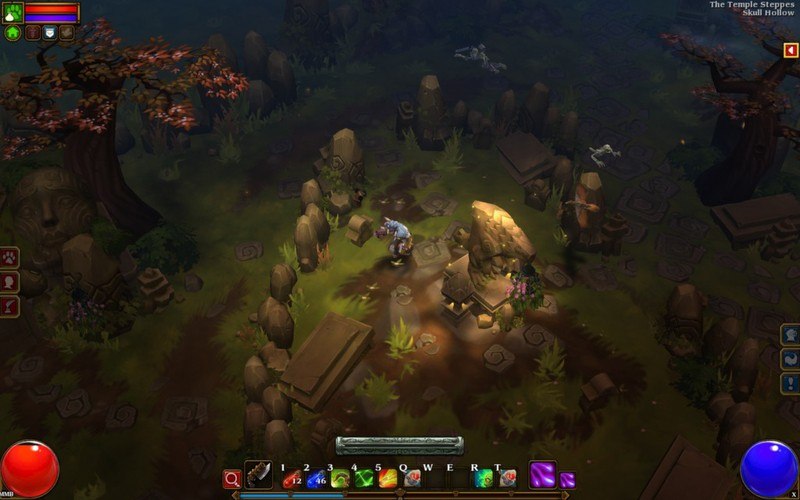
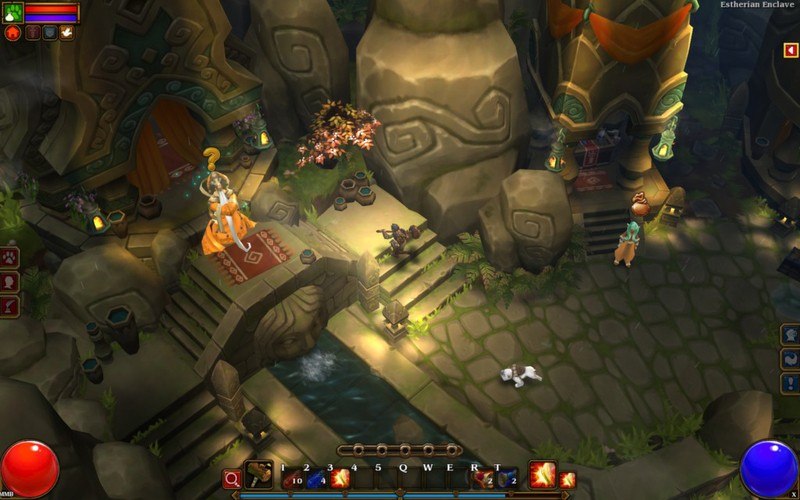
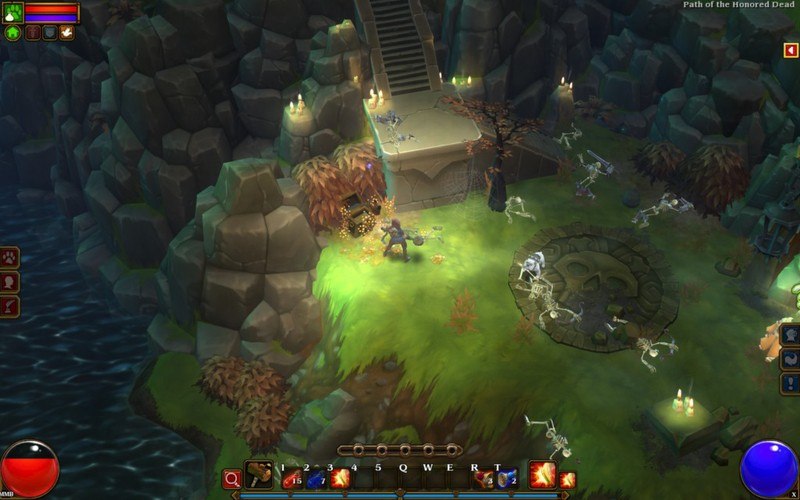
Torchlight II features randomly generated dungeons and numerous types of monsters to fight for loot. Torchlight II is an action RPG as its predecessor, but features overland areas with multiple hub towns, and a longer campaign. Players are able to customize character appearance with choice of sex, face, hair style and hair color. Additionally, several elements from the first game return, such as pets and fishing. The game features four playable character classes. Each class has 3 skill trees to choose from which enable customization within each class.
OS: Windows XP SP3/Vista/Windows 7 Processor: x86-compatible 1.4GHz or faster processor Memory: 1GB System RAM Hard Disk Space: 1.7GB free space (subject to change) Video Card: DirectX compatible 3D graphics card with at least 256MB of addressable memory. DirectX®: 9.0c Internet: A broadband internet connection (for Steam download and online multiplayer) - Online multiplayer requires a freeRunic Account
OS: Mac OS X 10.8, 10.9, 10.10 Processor: Intel Core 2 Duo, 2.0GHz or faster processor Memory: 2GB System RAM Hard Disk Space: 1.7GB free space (subject to change) on acase-insensitive volume Video Card: OpenGL 2.0 compatible 3D graphics card with at least 256MB of addressable memory (ATI Radeon x1600 or NVIDIA equivalent) Internet: A broadband internet connection (for Steam download and online multiplayer) - Online multiplayer requires a freeRunic Account
OS: Ubuntu 12.04 LTS (or similar, Debian-based distro) Processor: x86/x86_64-compatible, 2.0GHz or better processor Memory: 2GB System RAM Hard Disk Space: 1.7GB free space (subject to change) Video Card: OpenGL 2.0 compatible 3D graphics card* with at least 256 MB of addressable memory (ATI Radeon x1600 or NVIDIA equivalent) Internet: A broadband internet connection (for Steam download and online multiplayer) - Online multiplayer requires a freeRunic Account
Please create an account or login on https://www.gog.com Go to https://www.gog.com/redeem Enter the code and then press "CONTINUE" After a short amount of time you will see the details about the product, please press "CONTINUE" again. Download and install the GOG.com downloader Login to the software and get back to the product page Go to https://www.gog.com/account and look for the "Games" tab. Press the box of the product you want to download. Activate the GOG.com Download Mode on the right side of product menu. Choose the installation package from the list and save it with the GOG Downloader.
Decent game but had some minor issues with performance on my setup. Still enjoyable for the price.
Solid experience overall with good graphics and engaging combat. The co op mode is a highlight and works smoothly with friends.
This key worked perfectly and gave me instant access to hours of fun gameplay. The action is fast paced and the loot system keeps you coming back for more. I enjoyed the character customization options which allowed me to create a unique hero. The world feels alive with plenty of secrets to discover.