
Northgard
€5.66
We use cookies to run this site and understand how it’s used. See our Cookie Policy.
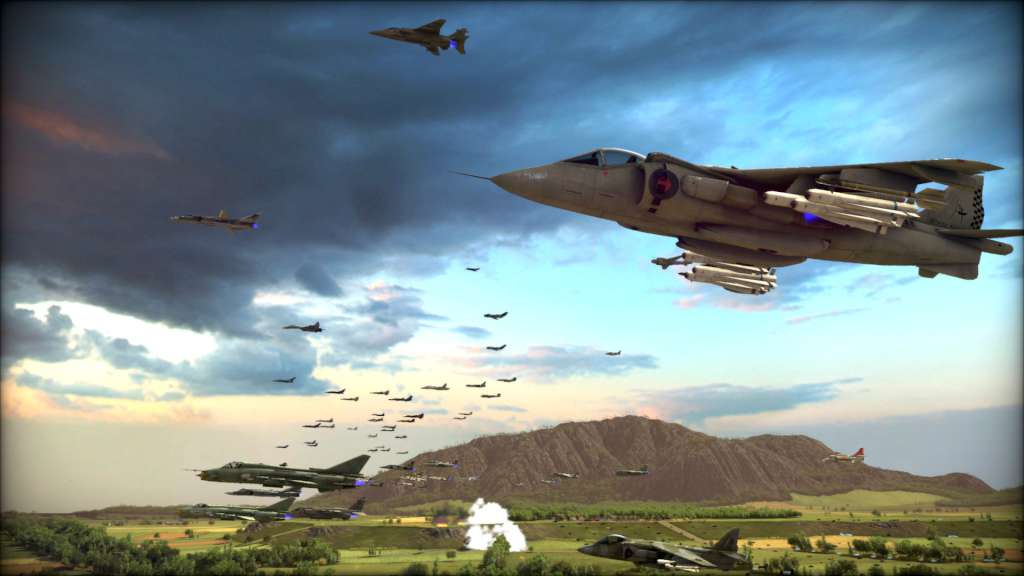
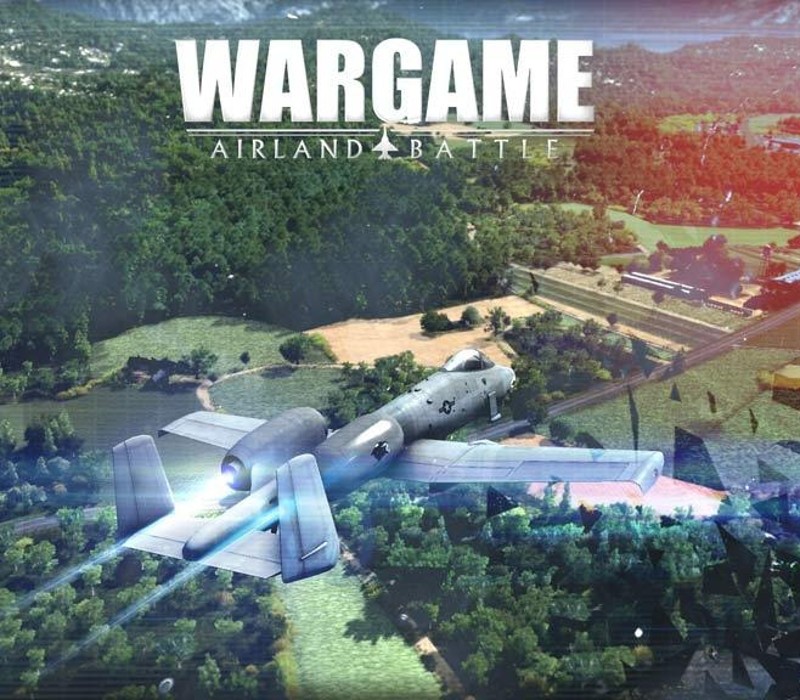
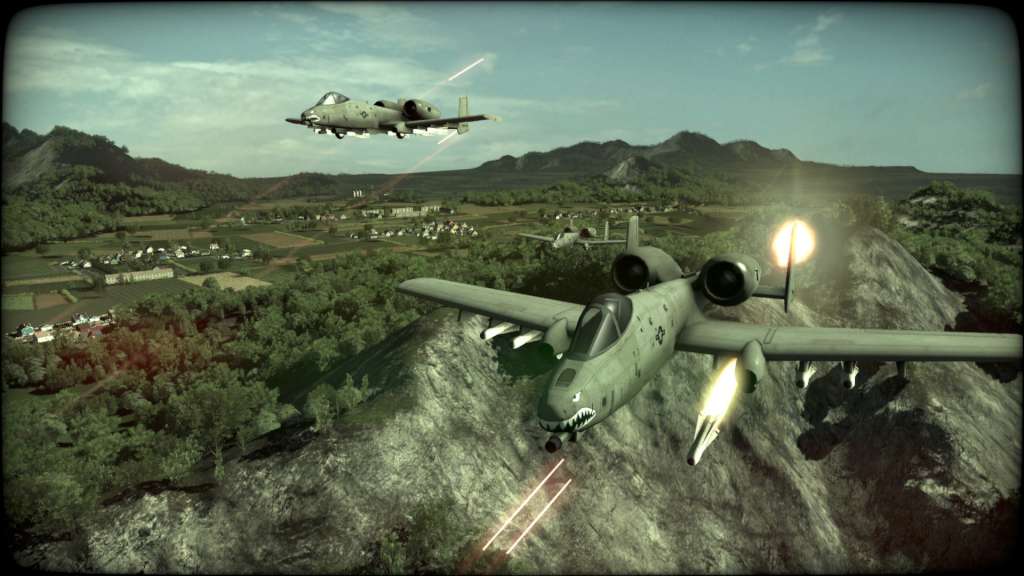
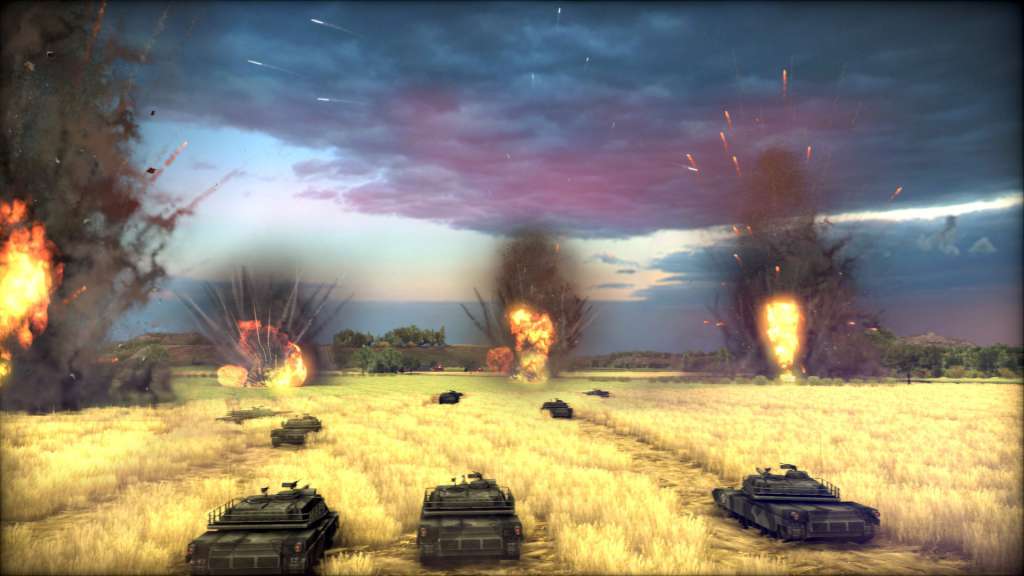
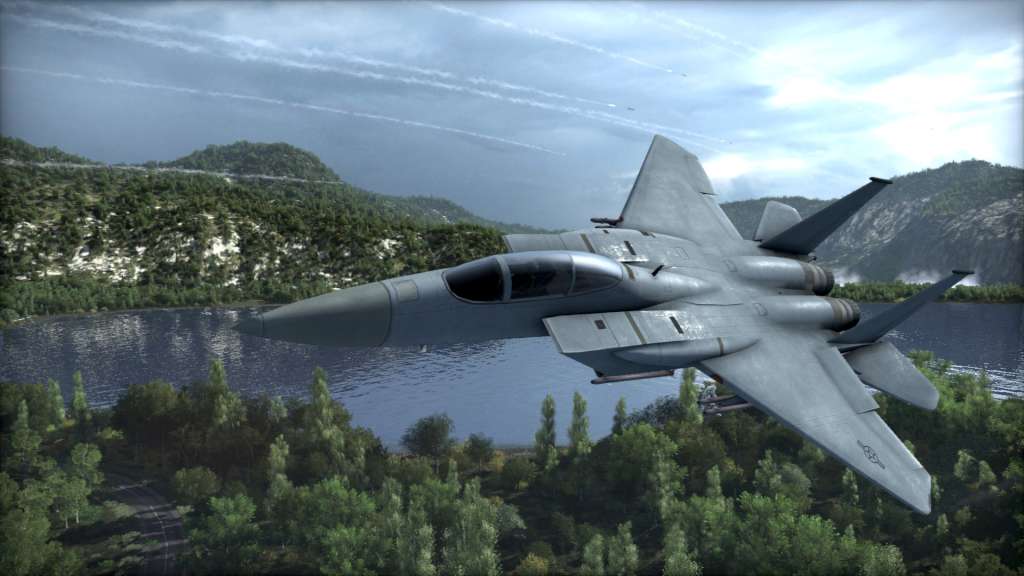
Wargame's playable factions are the Warsaw Pact, which is subdivided into the Soviet Union, Communist Poland, East Germany, and Czechoslovakia; and NATO, which is subdivided into the United States of America, United Kingdom, France, West Germany, Canada, Sweden, Norway, and Denmark. Players can choose various units from the subfactions of the side they are playing on, unlocking new units or improved variants as they progress. In all, there are just over 800 historical units recreated to varying degrees of accuracy in Wargame: AirLand Battle. Each country has its own arsenal of units, reflecting their military doctrine. It is possible to create a 'deck' or battlegroup focusing on various criteria, with the option to mix units from multiple nations' armories.
OS:WINDOWS XP SP3/WINDOWS VISTA SP2/WINDOWS 7/WINDOWS 8 Processor:AMD/INTEL DUAL-CORE 2.5 GHZ Memory:2048 MB RAM Graphics:256 MB 100% DIRECTX 9 AND SHADERS 3.0 COMPATIBLE ATI RADEON X1800 GTO/NVIDIA GEFORCE 7600 GT/INTEL HD 3000 OR HIGHER DirectX®:9.0 Hard Drive:15 GB HD space Sound:DIRECTX 9 COMPATIBLE Other Requirements:Broadband Internet connection Additional:INTERNET CONNECTION REQUIRED FOR ACTIVATION AND ONLINE GAMING
OS:MAC OS X 10.6.8 Processor:INTEL CORE 2 DUO 2.4 GHZ Memory:2048 MB Graphics:256 MB ATI RADEON HD 4670/NVIDIA GEFORCE GT120/320M OR HIGHER Hard Drive:15 GB HD space Other Requirements:Broadband Internet connection Additional:INTERNET CONNECTION REQUIRED FOR ACTIVATION AND ONLINE GAMING
OS:UBUNTU 12.04 LTS/UBUNTU 12.10 Processor:AMD/INTEL DUAL-CORE 2.5 GHZ Memory:2048 MB Graphics:256 MB SHADERS 3.0 COMPATIBLE. ATI RADEON X1800 GTO/NVIDIA GEFORCE 7600 GT/INTEL HD 3000 OR HIGHER Hard Drive:15 GB HD space Other Requirements:Broadband Internet connection Additional:INTERNET CONNECTION REQUIRED FOR ACTIVATION AND ONLINE GAMING
Go to: http://store.steampowered.com/ and download STEAM client Click "Install Steam" (from the upper right corner) Install and start application, login with your Account name and Password (create one if you don't have). Please follow these instructions to activate a new retail purchase on Steam: Launch Steam and log into your Steam account. Click the Games Menu. Choose Activate a Product on Steam... Follow the onscreen instructions to complete the process. After successful code verification go to the "MY GAMES" tab and start downloading.
Had some issues with controls and pacing that made it frustrating at times.
Absolutely fantastic title that keeps me coming back for more. The unit variety and command options are unmatched.
Solid experience overall but can get repetitive in longer matches. Graphics hold up well for its age.
This game offers deep strategic gameplay with intense battles across varied maps. The mechanics feel polished and rewarding after some practice sessions.